Made for two screens
The game sits on the top screen and the touch screen on the bottom, in portrait or landscape. Tap and drag on the bottom screen like a stylus. On a foldable iPhone, unfold it and the two screens split right at the fold.
Available now on the App Store
Play your own 3DS, DS, N64, Game Boy, and more — with custom skins, a full layout editor, and no games included.

Free on iPhone and iPad · iOS 16 or later · No games included
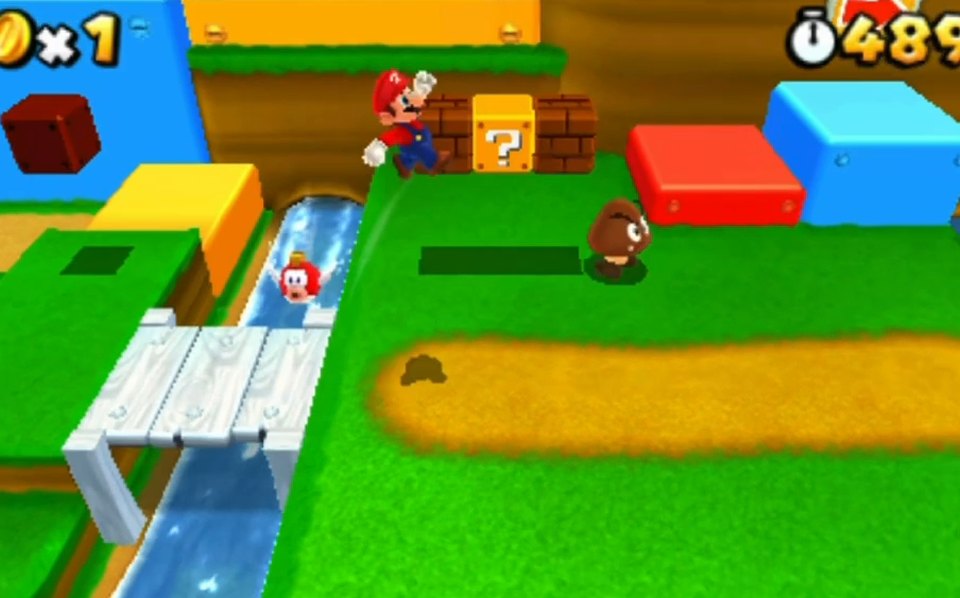
Real gameplay recorded in TwinPlay on a 3DS layout. You bring your own games — none are included in the app.

On real hardware
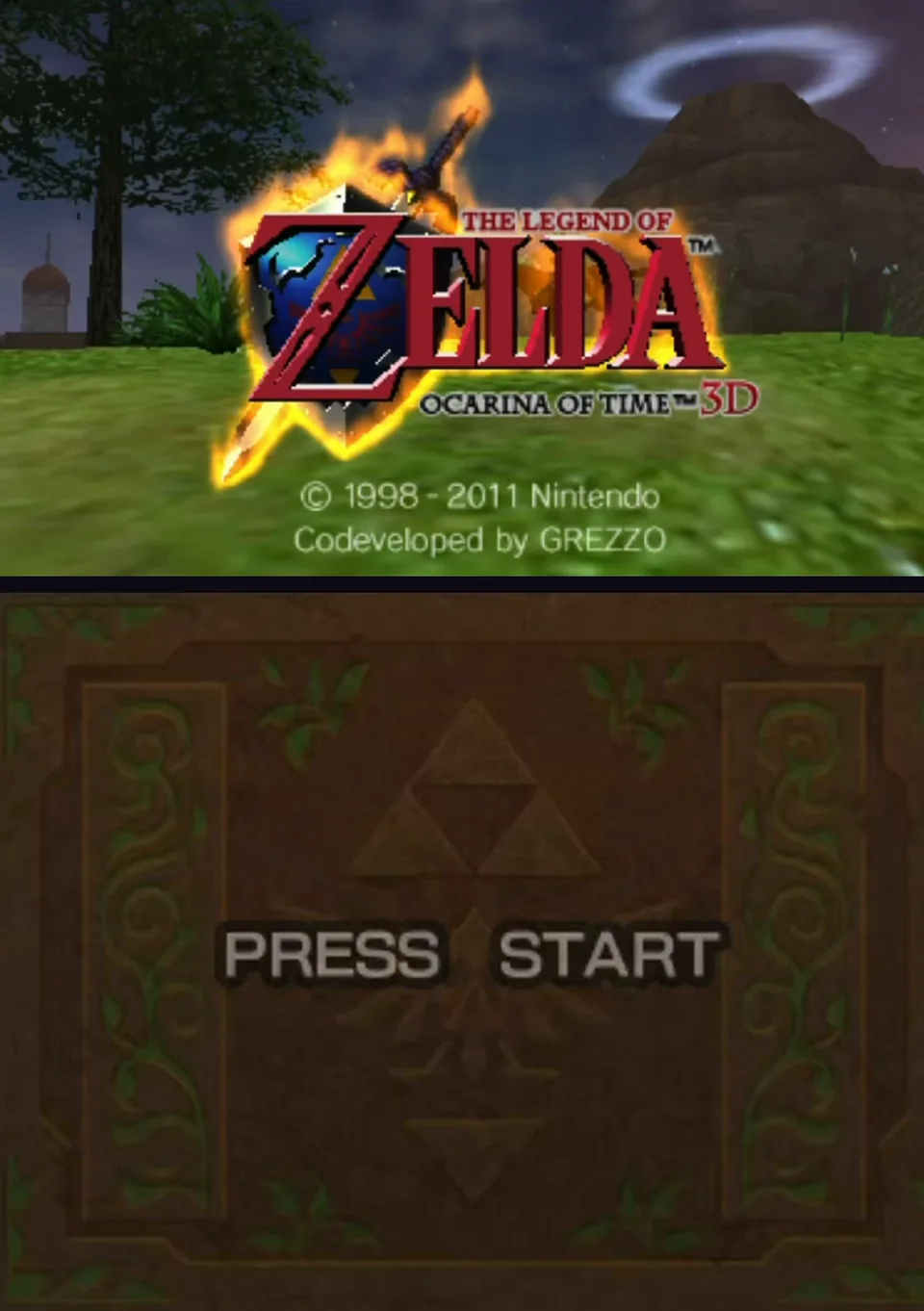
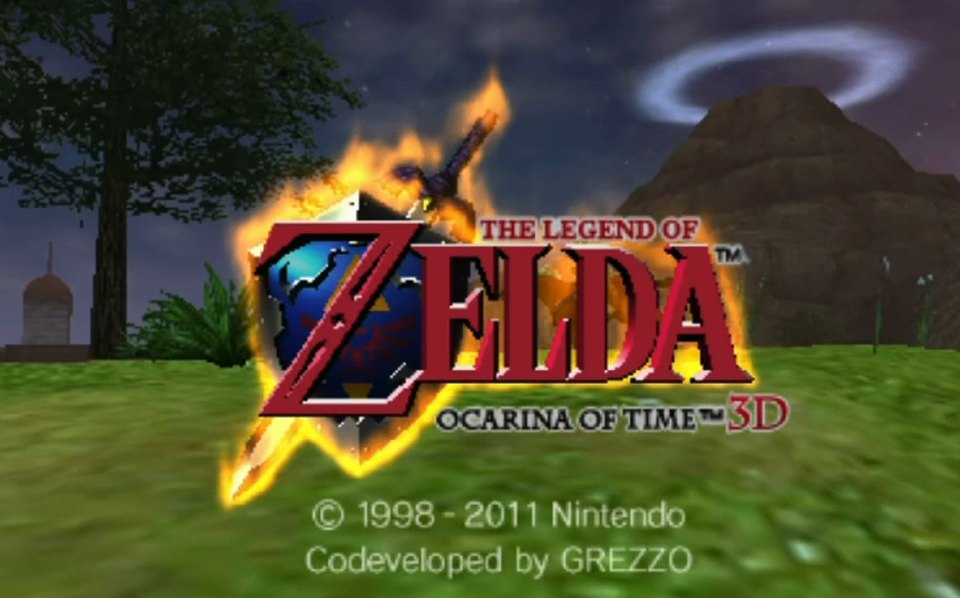
A foldable iPhone running The Legend of Zelda: Ocarina of Time 3D in a lime 3DS skin. The two screens sit on either side of the fold, just as they would on a handheld.
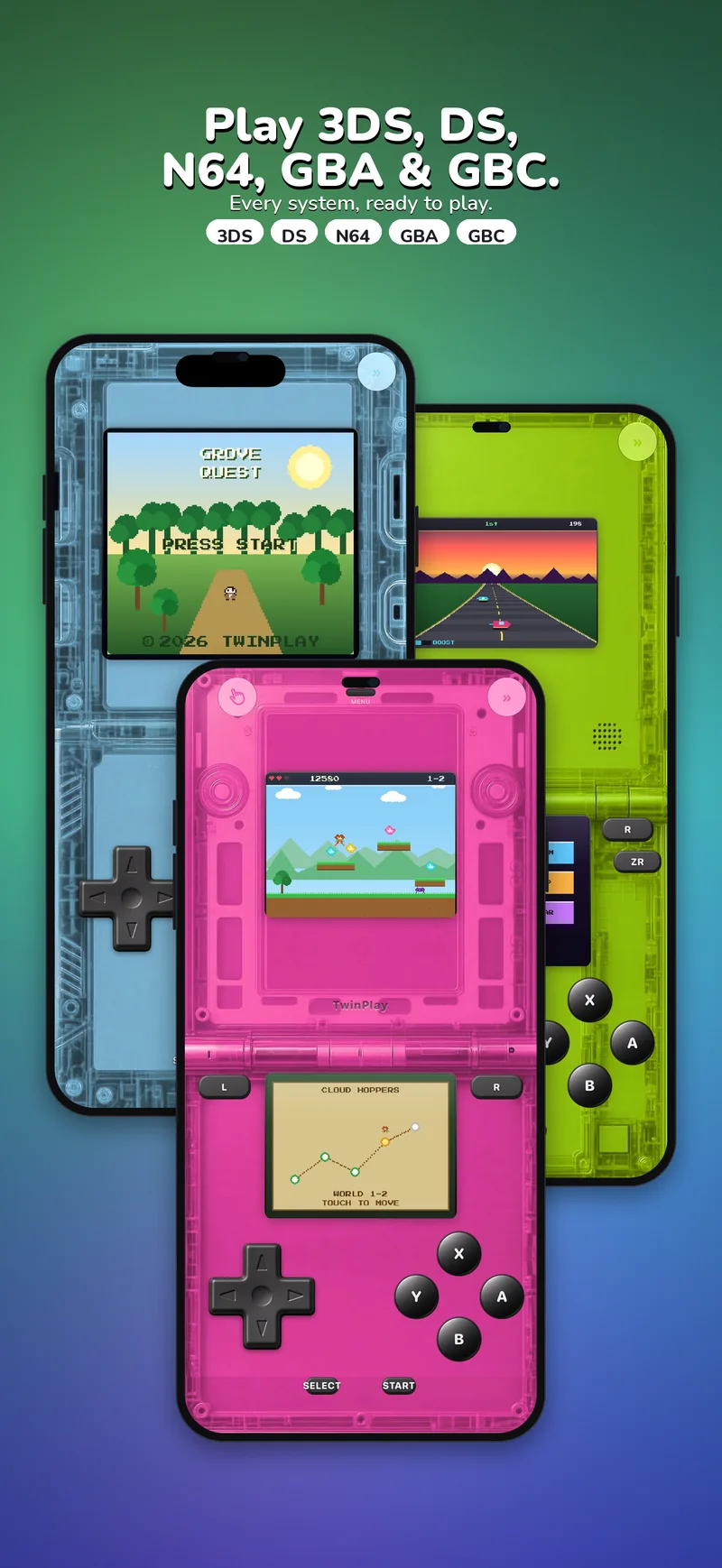
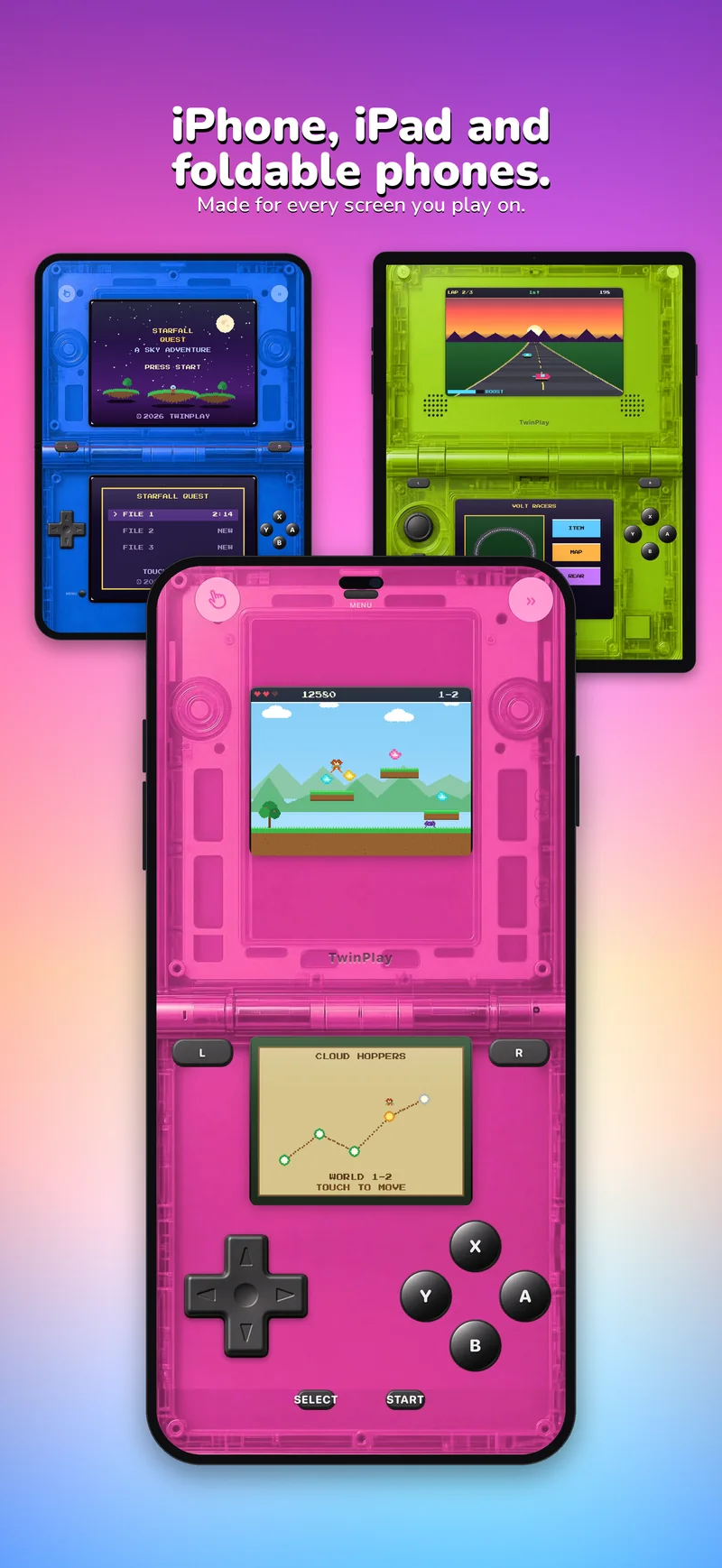
The game sits on the top screen and the touch screen on the bottom, in portrait or landscape. Tap and drag on the bottom screen like a stylus. On a foldable iPhone, unfold it and the two screens split right at the fold.
Fold the iPhone shut and Game Boy, Game Boy Color, and Game Boy Advance games keep playing on the outer screen, in landscape, inside a full-screen classic handheld shell.
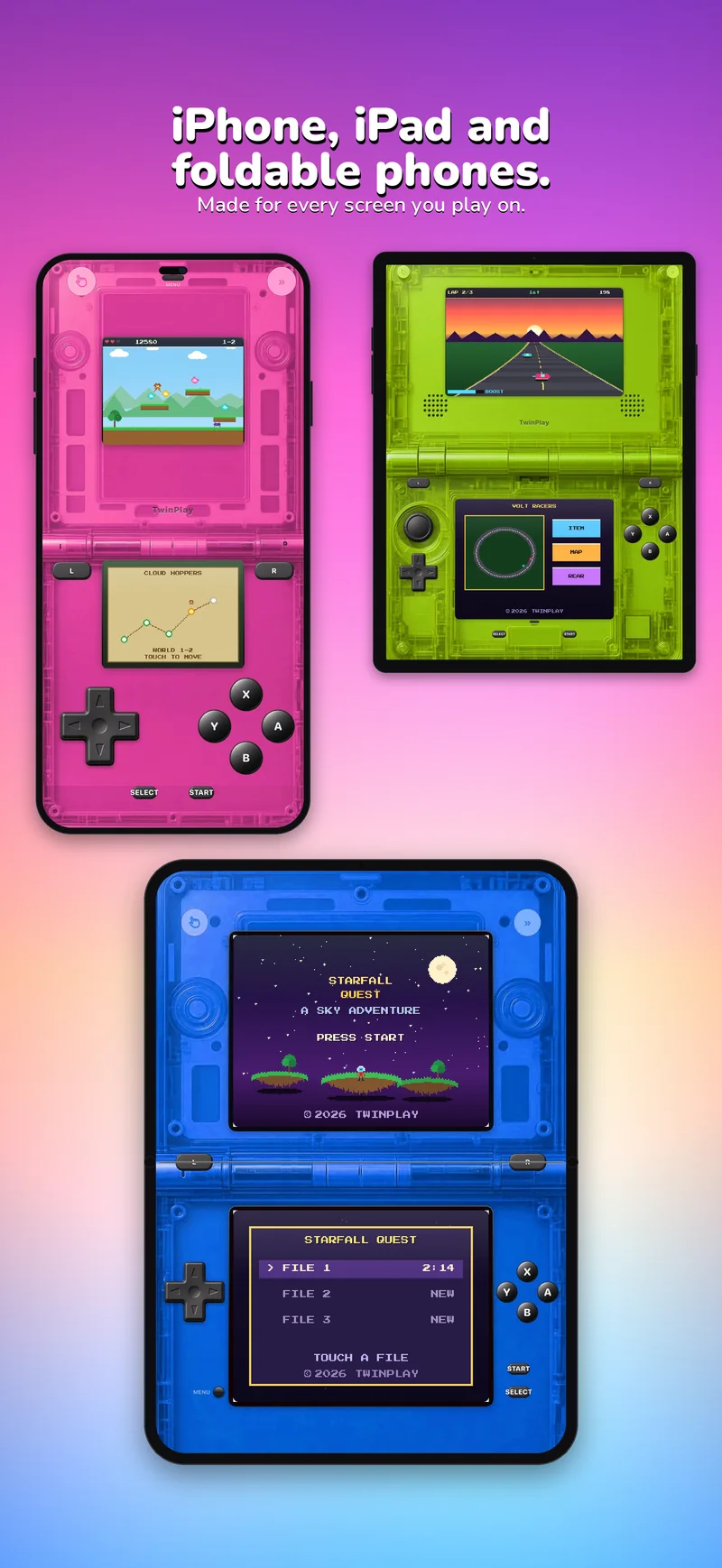
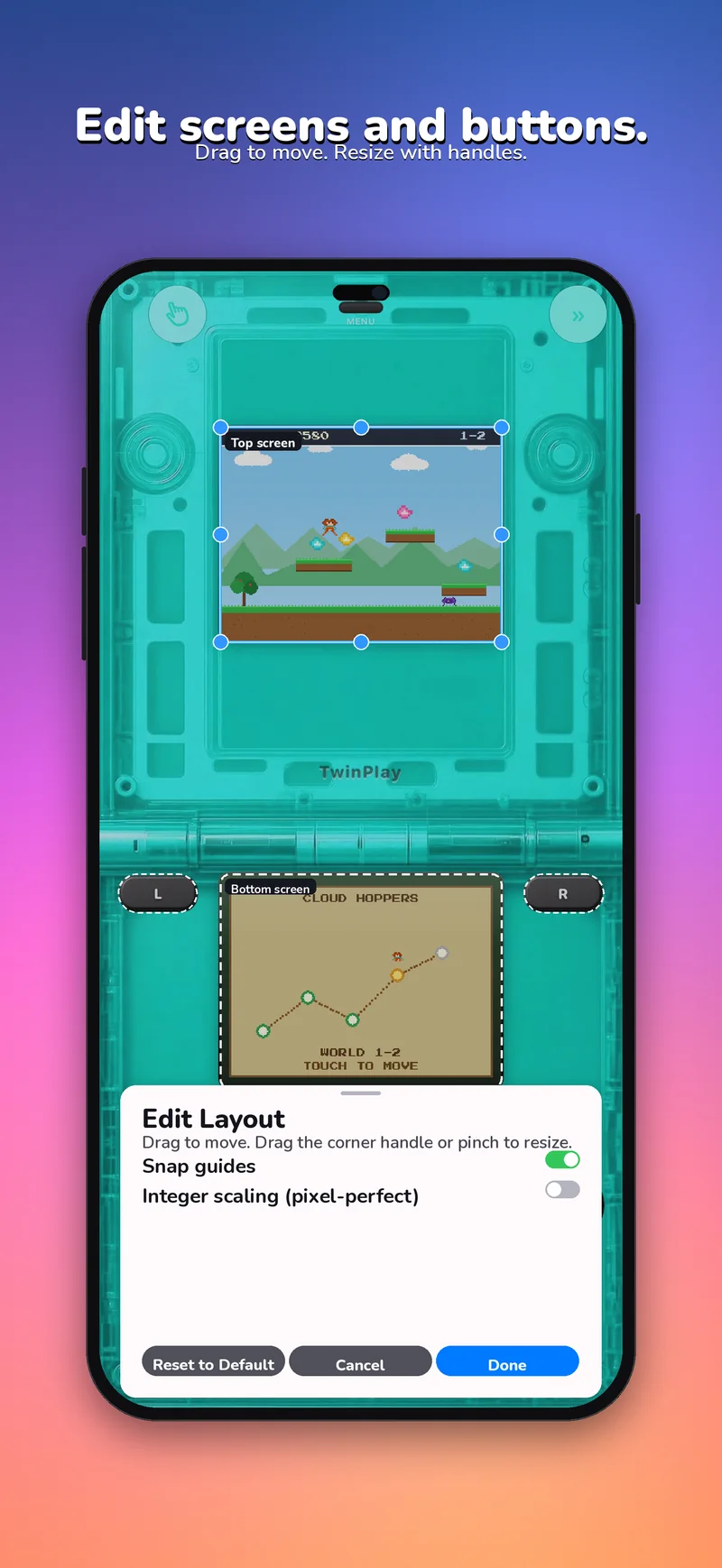
Custom layouts are free. Move and resize the screens and every on-screen button, with snap guides and integer scaling. Layouts are saved per console and orientation.
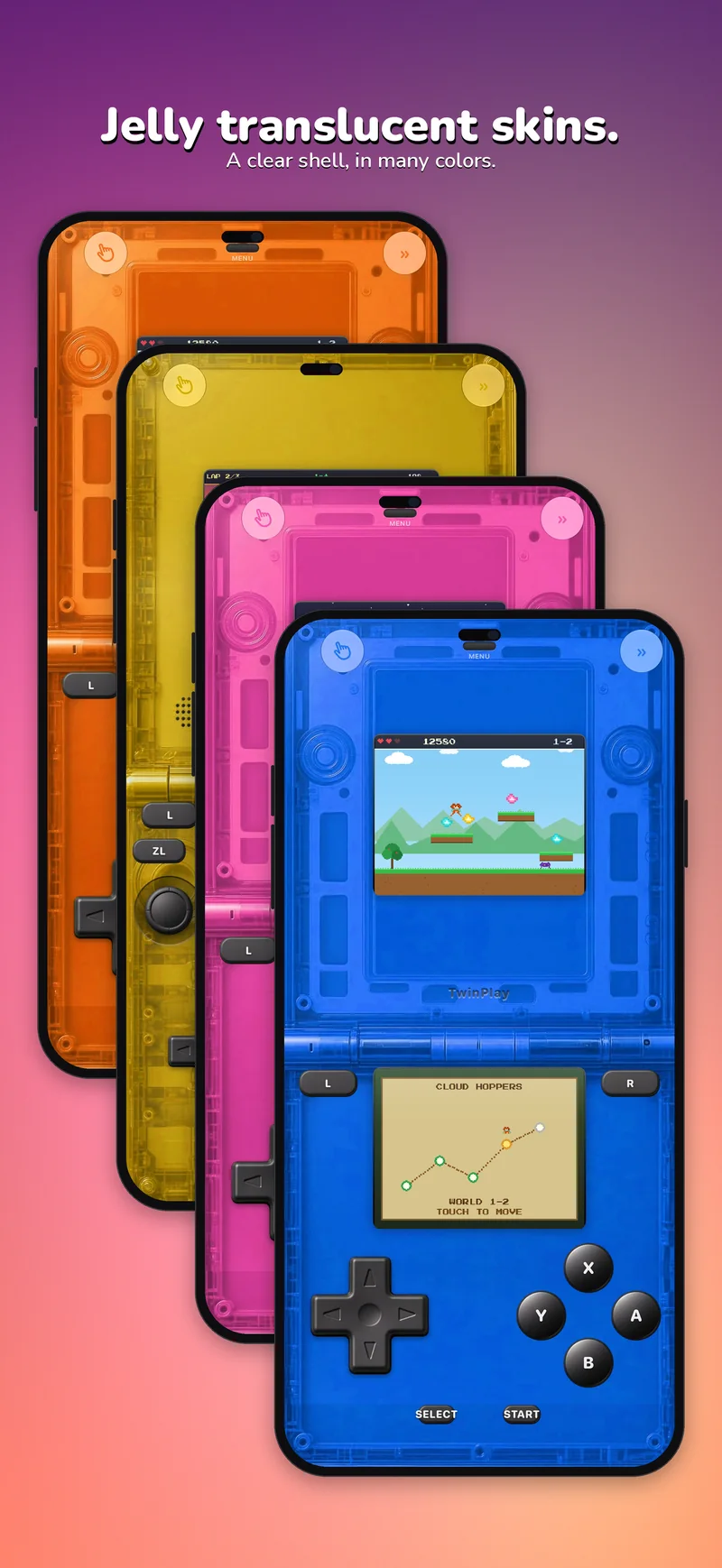
Realistic skins inspired by classic handhelds, including colorful translucent shells. Every layout and skin is just the default — pick the one you like and change it any time.
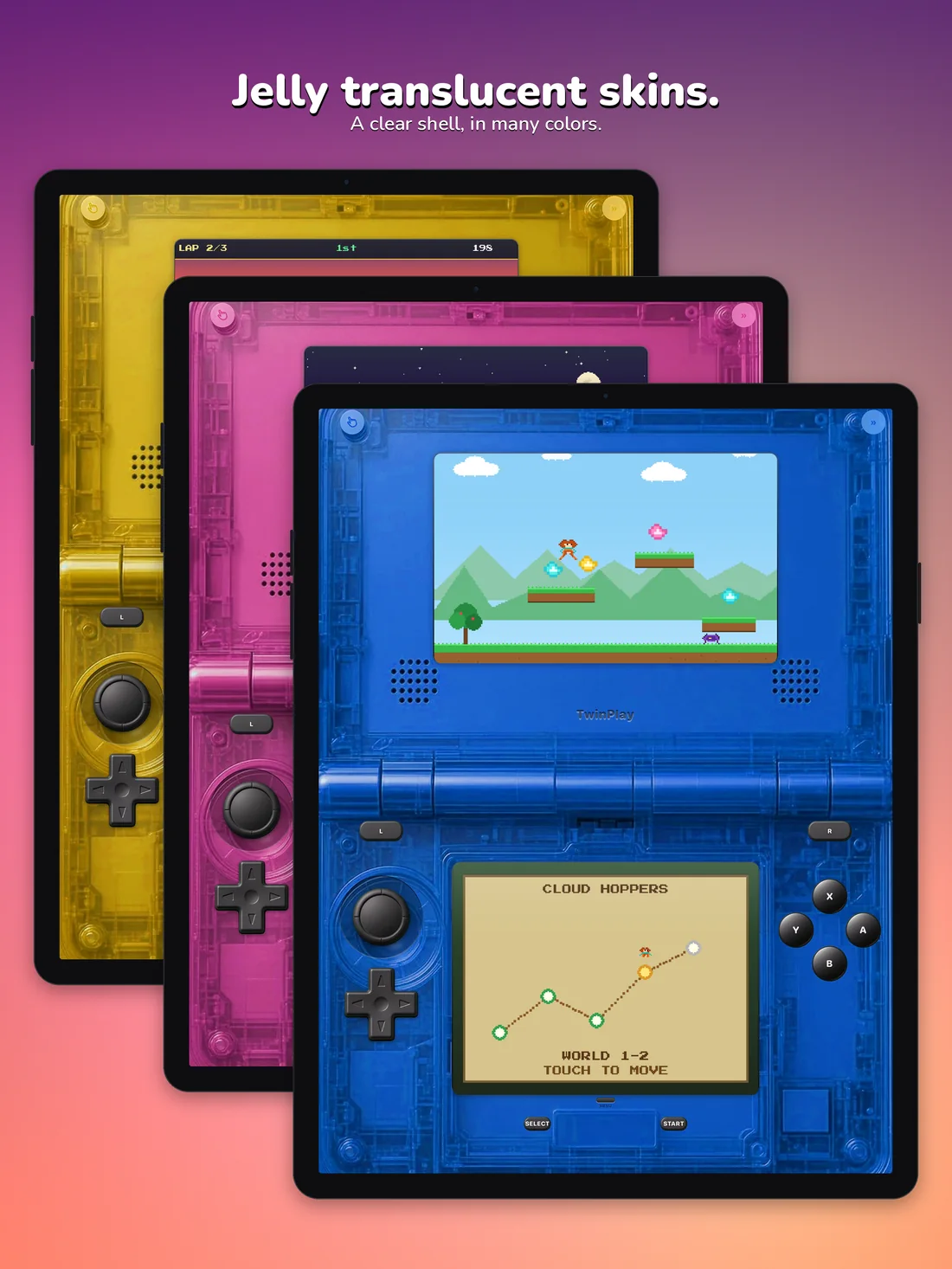
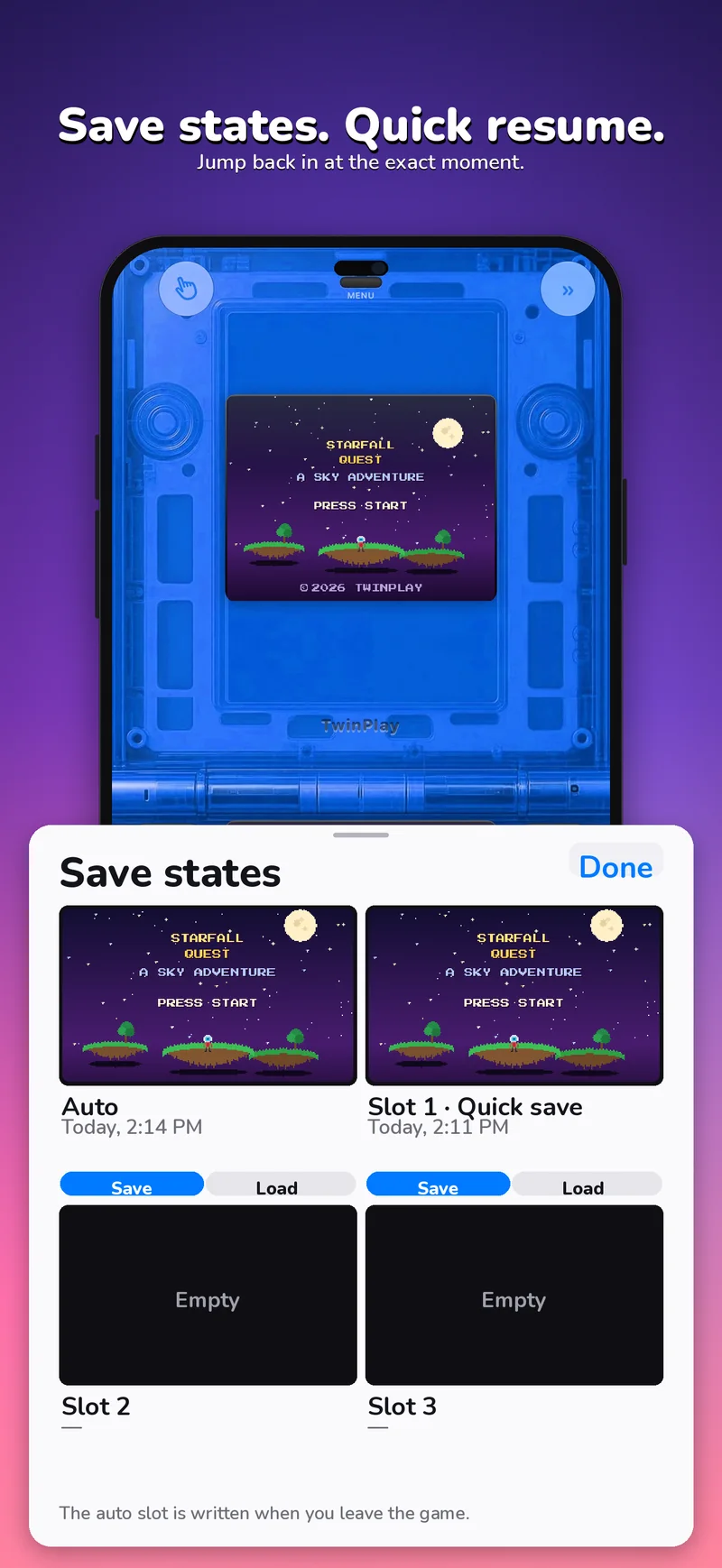
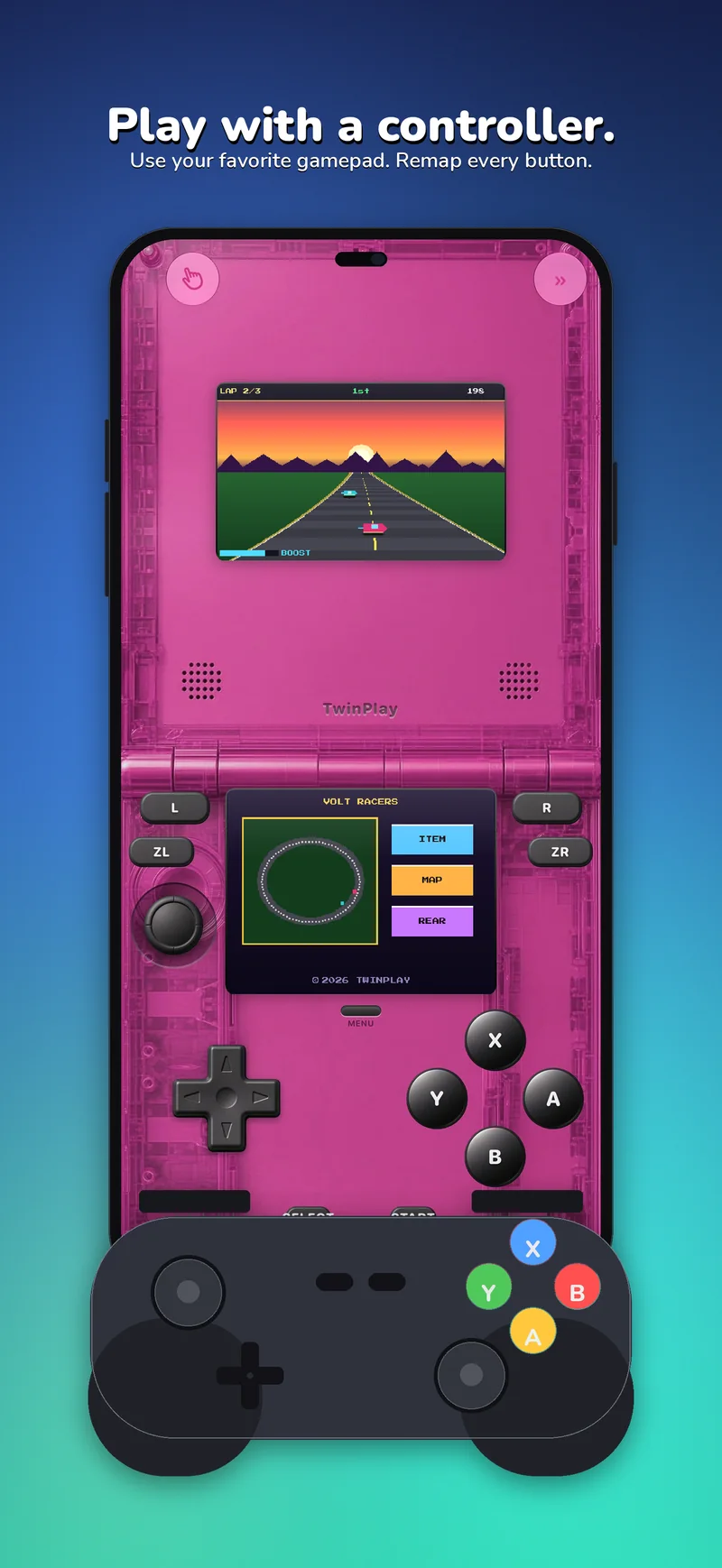
Touch controls made for phones, a touch-only mode for stylus play, and support for MFi, Xbox, and PlayStation controllers. Save states plus normal in-game saves. Screenshots and gameplay videos, with game sound, go to Photos.
Cover Flow, cartridge view, and title-screen view. A free one-tap cover finder for games you own. A Home Screen widget (iOS 17 or later) opens recent, favorite, or most played games with one tap.

Skins
Realistic shells on a foldable iPhone — from Game Boy Color to 3DS. Every skin is just a starting point; change it whenever you want.


These systems are in the current App Store release. TwinPlay does not include any games — you add files you own, such as backups of your own cartridges, or free homebrew from independent developers.
A built-in BIOS is included for the systems that need one, so you do not have to add BIOS files. TwinPlay does not include, download, or link to copyrighted games or BIOS files.
Three steps. TwinPlay only looks for new games when you ask it to — it never scans your phone by itself.
For example, in Downloads or iCloud Drive.
Tap + and choose Import Game Files… or Import a Folder…
When you want to add more, tap Find New Games Now.
On the way
TwinPlay 1.5 is in review for iPhone, iPad, and Mac. It is not on the App Store yet. The submitted update adds PlayStation, PSP, Genesis (Mega Drive), Master System, and Game Gear, plus iCloud save sync between iPhone and iPad, and a Mac app that plays in a window with a keyboard or a controller.
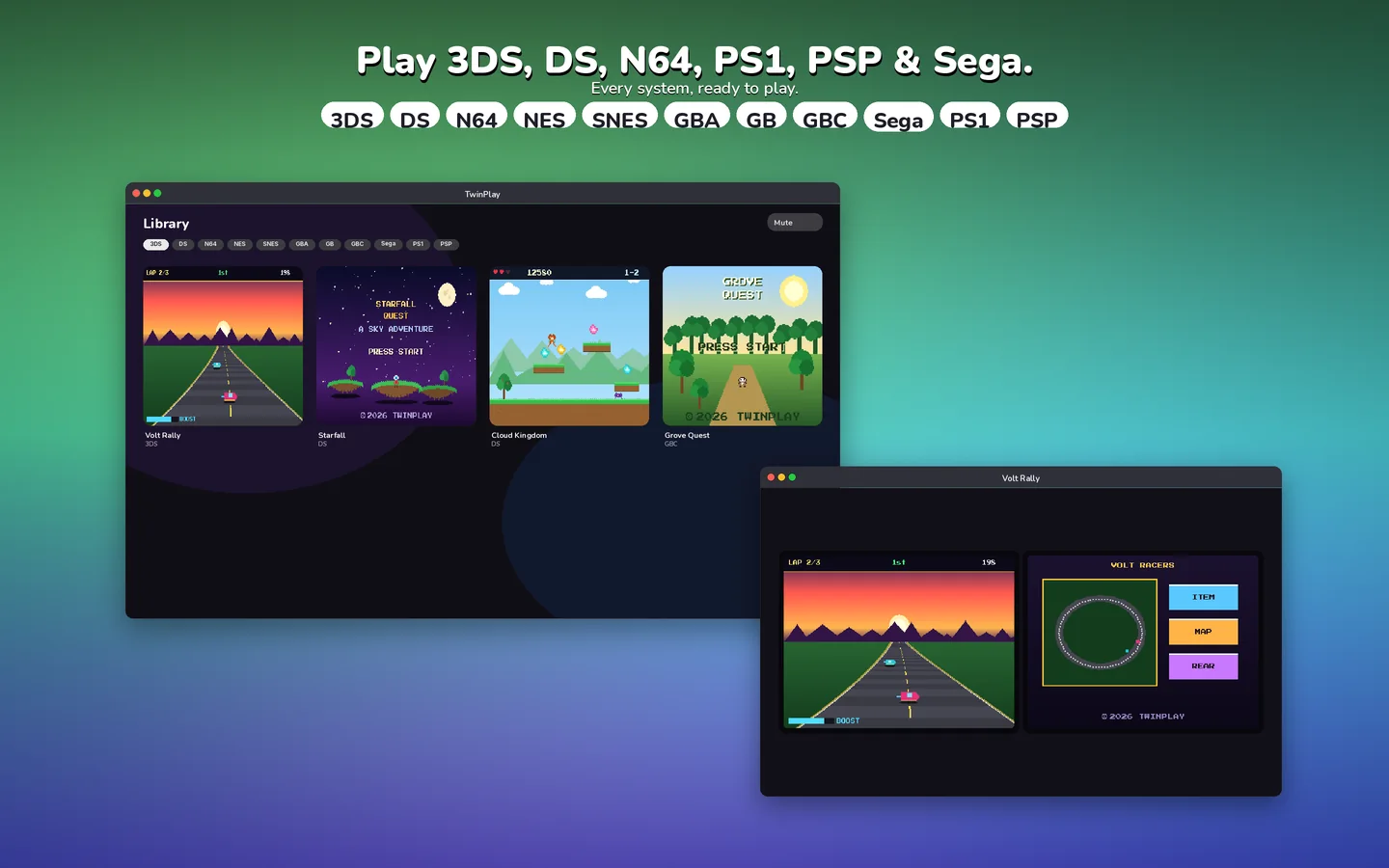
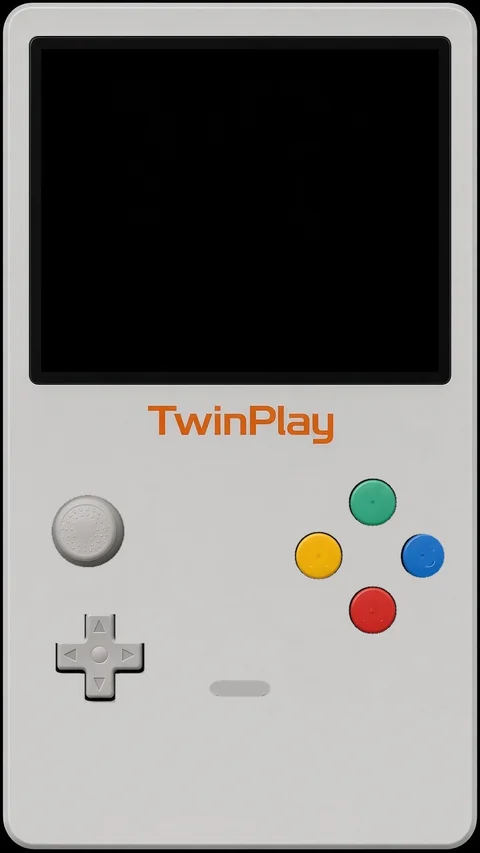
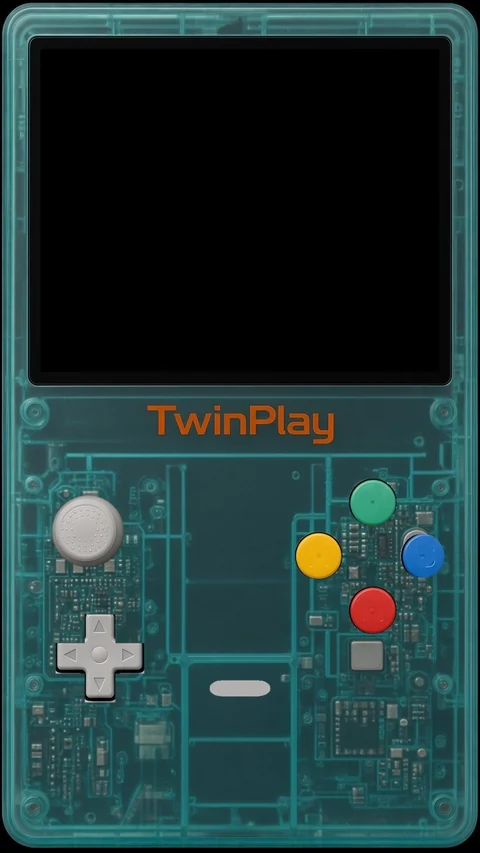
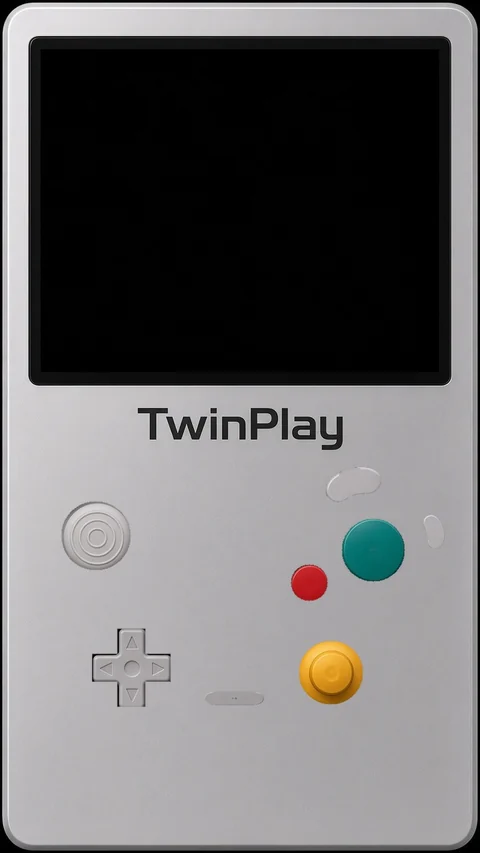
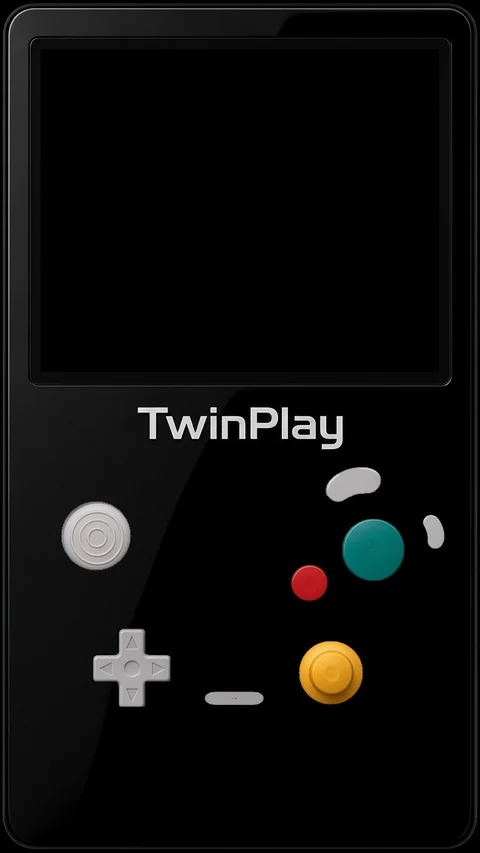
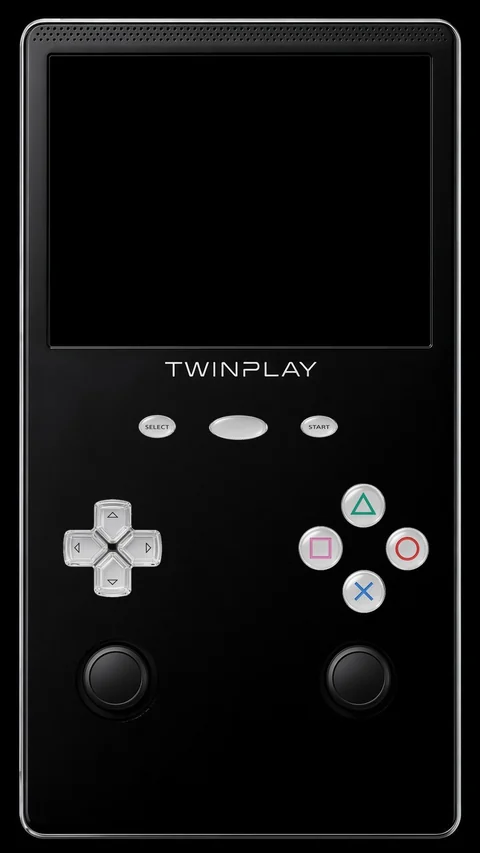
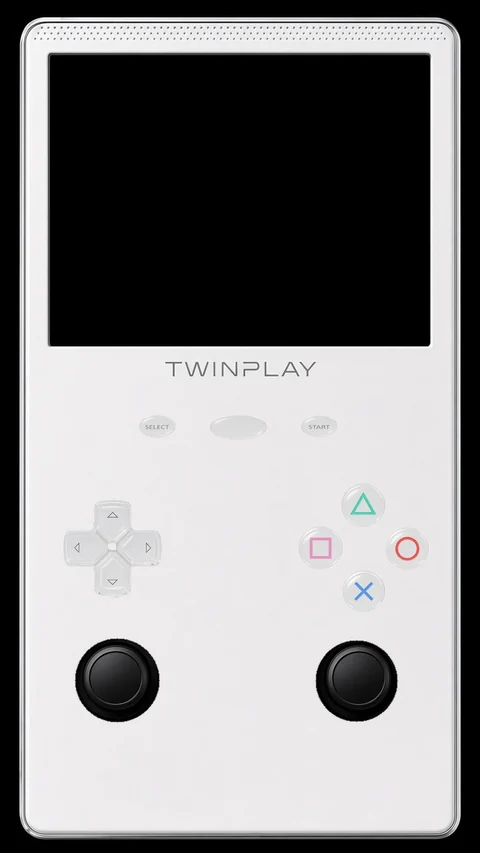
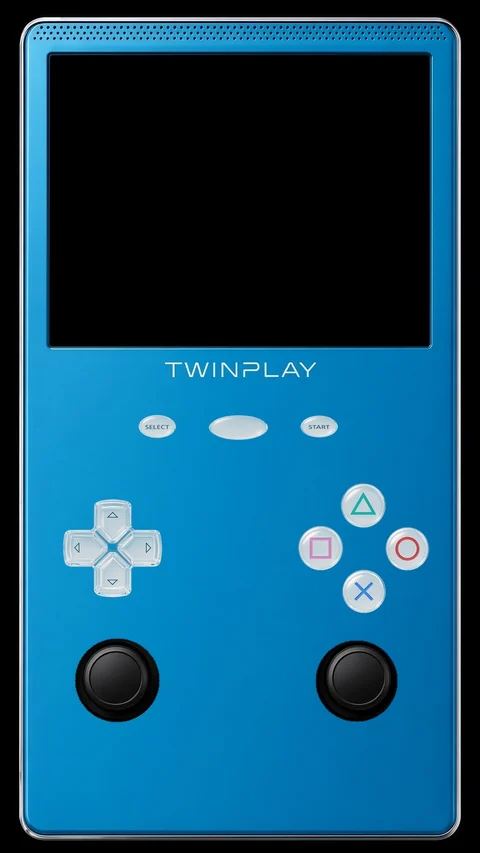
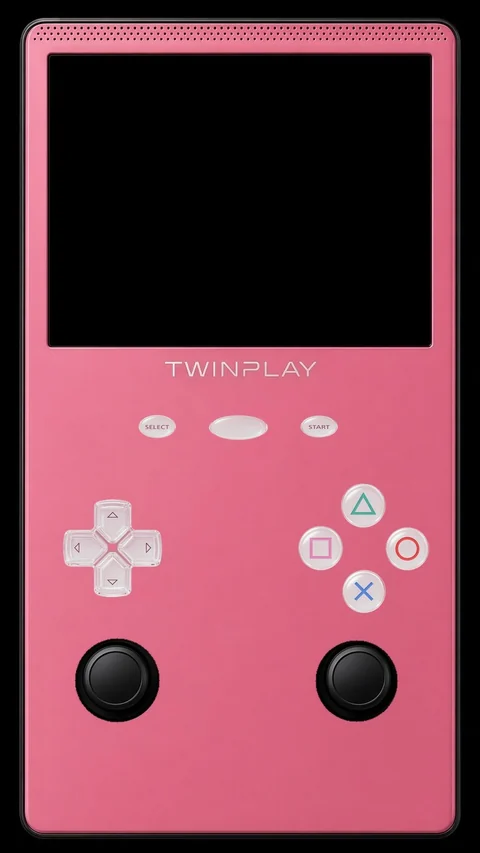
Dreamcast, GameCube, and PlayStation Vita are in the works. They are not available in the App Store app today. The skins below are previews.
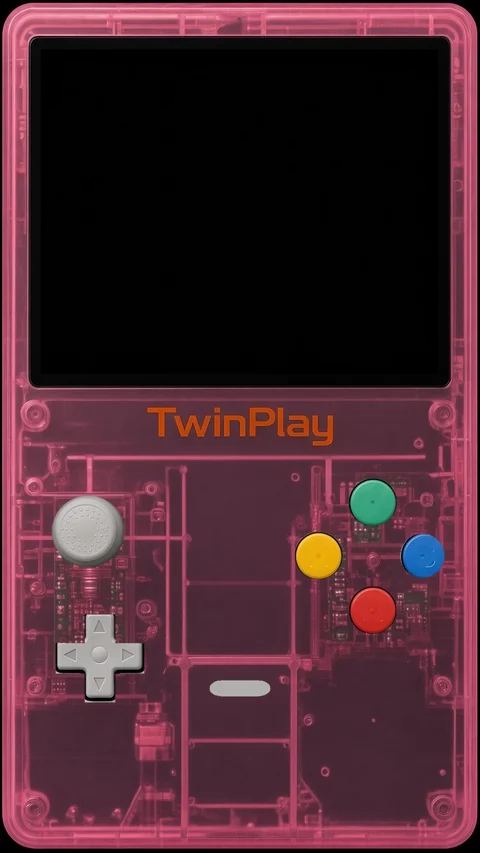
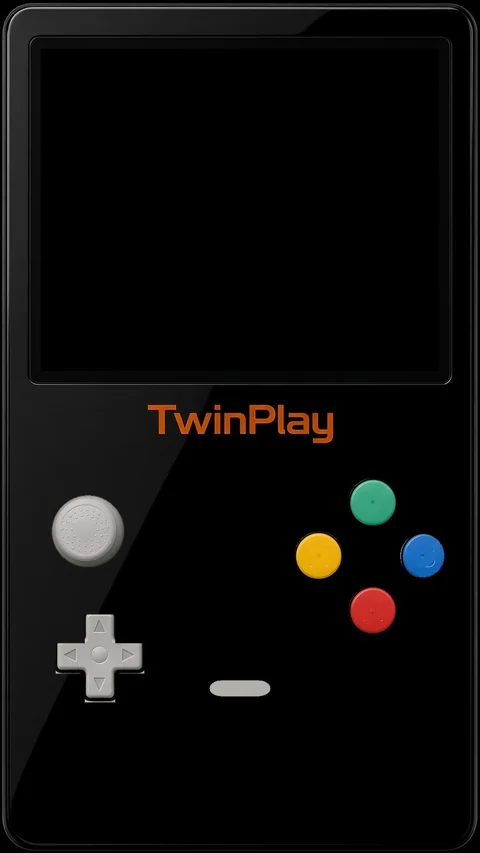
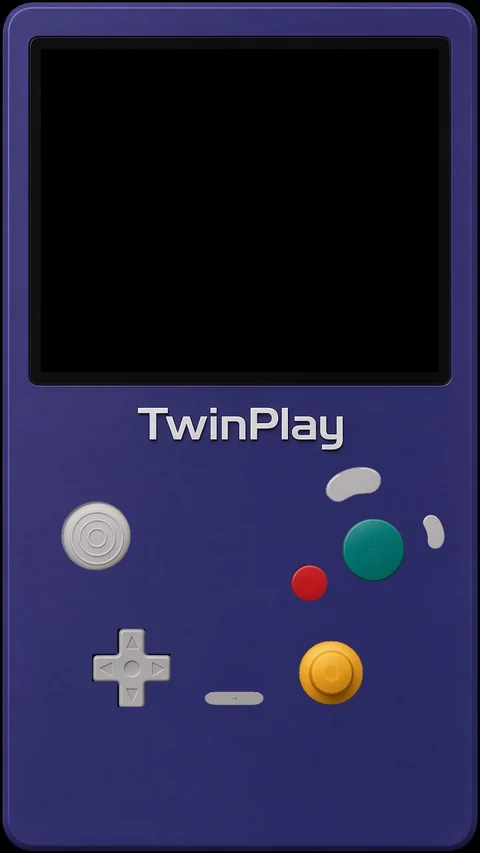
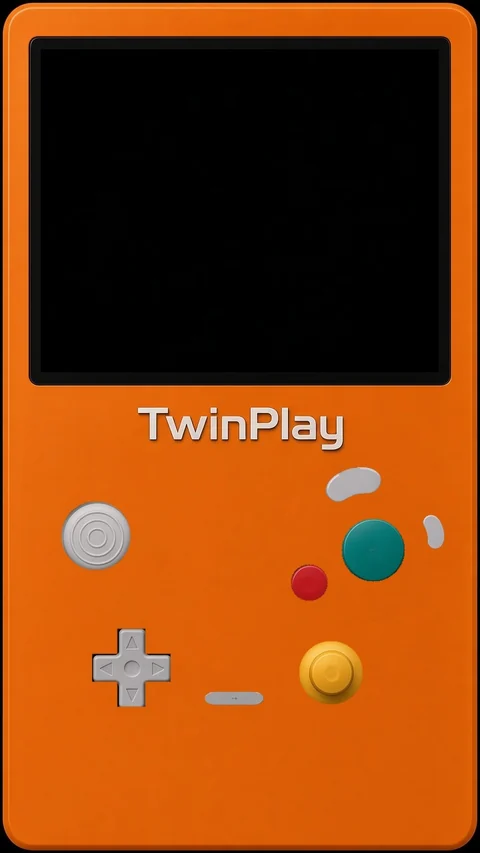
Restore purchases on any of your iPhones with Restore Purchases.
Free
One-time · US price
$0.99
One-time · US price
$4.99
One-time · US price
Prices are the current US App Store prices. The local price is shown in the app before you buy. Family Sharing may apply to some in-app purchases.
| Devices | iPhone and iPad. Requires iOS 16 or iPadOS 16 or later. Works best on iPhone 13 or newer. |
|---|---|
| Size | 71.9 MB (current App Store version, 1.4.2). |
| Languages | English, Spanish, French, German, Italian, Portuguese, Japanese, Korean, and Simplified Chinese. |
| Controls | On-screen touch controls, or a compatible MFi, Xbox, or PlayStation controller. Game controllers are supported. |
| Saves | Save states plus normal in-game saves. Screenshots and gameplay videos save to Photos. |
| Price | Free to download, with optional one-time Plus ($0.99) and Pro ($4.99) purchases in the US. No subscription. The free version shows a banner ad in the library. |
| Age rating | 4+ |
| Developer | Charlie Rodriguez Garcia |
Real reviews on the US App Store. TwinPlay is rated 5.0 from 5 ratings.
“Wow this is such a hassle free emulator it just works exactly how you want it to!”
“Greatest Emulator Ever”
Questions? Email twinplay.support@gmail.com
The current App Store release plays 3DS, DS, Nintendo 64, Super NES, NES, Game Boy Advance, Game Boy Color, and Game Boy. PlayStation, PSP, Genesis (Mega Drive), Master System, and Game Gear are in TwinPlay 1.5, which is in review and not available yet. Dreamcast, GameCube, and PlayStation Vita are coming later.
No. TwinPlay does not include any games or system files, and it does not download games. Add game files that you own, such as backups of your own cartridges, or free homebrew made by independent developers.
iPhone and iPad, on iOS or iPadOS 16 or later. It works best on iPhone 13 or newer. A Mac version is in review and is not on the App Store yet.
Put your game files in the Files app (for example, in Downloads or iCloud Drive). In TwinPlay, tap + and choose Import Game Files… or Import a Folder…. Tap a game to play. TwinPlay only looks for new games when you tap “Find New Games Now.”
Yes. TwinPlay works with MFi, Xbox, and PlayStation controllers, as well as on-screen touch controls. There is a touch-only mode for DS games played with the stylus.
Both are one-time purchases, with no subscription. Plus unlocks all skins, library scenes, app icons, and single-screen mode. Pro includes everything in Plus, plus Cover Flow, custom BIOS, an FPS meter, stick calibration, custom backgrounds, and no ads. You can restore purchases on any of your iPhones.
Emulation is still improving, and some games may not run, or may not run perfectly yet. You can report a game that does not work right from inside the app. Those reports are used to improve TwinPlay.
No. TwinPlay is an independent app. It is not affiliated with, endorsed by, or sponsored by Nintendo, Sony, Sega, or Apple. Product names are used only to describe compatibility and belong to their owners.
Read the TwinPlay Privacy Policy. Your games, saves, and settings stay on your device. The free version shows ads from Google AdMob. Pro removes ads.
Free on the App Store for iPhone and iPad. Bring your own games.